
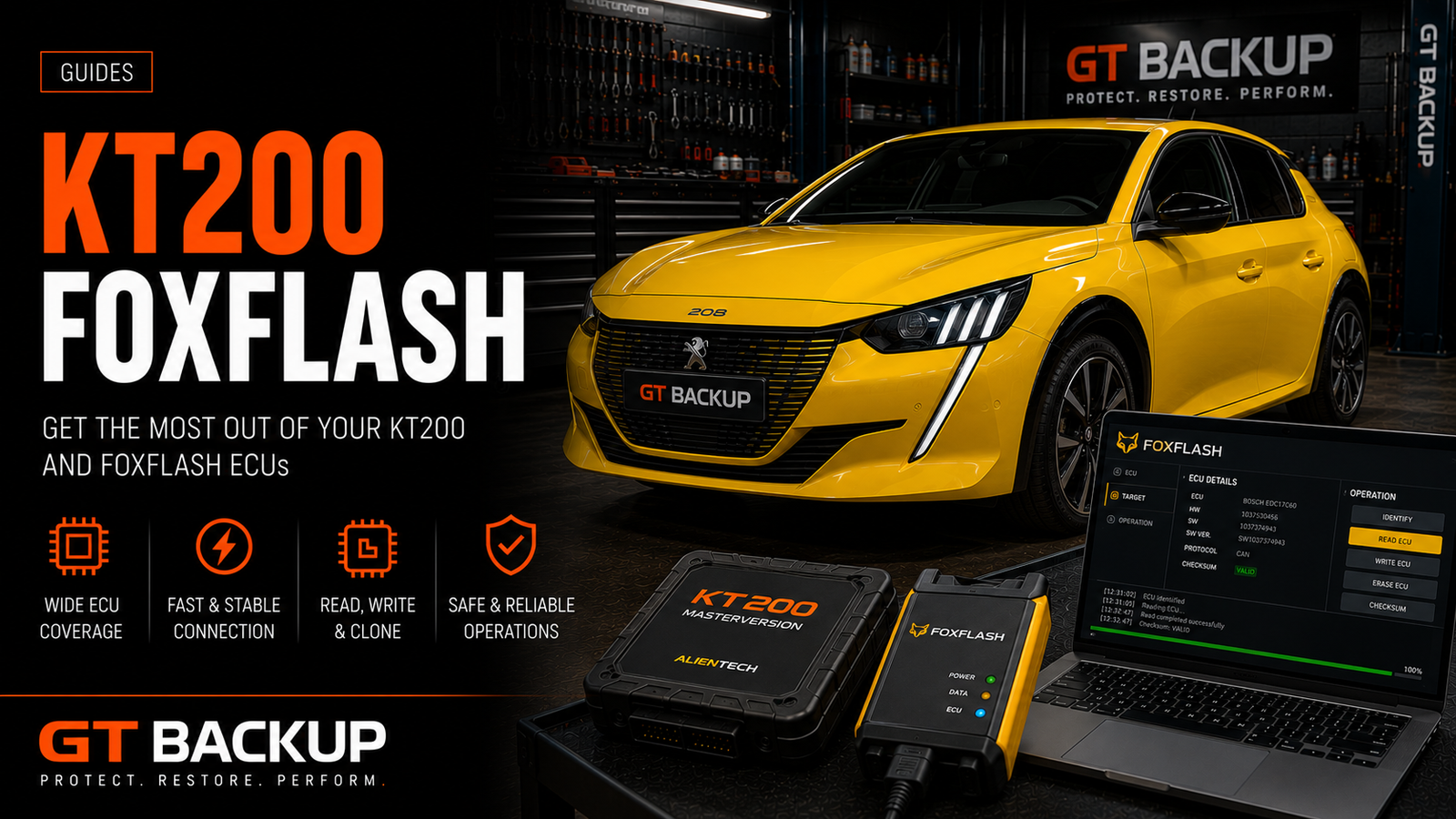
KT200 FoxFlash tools attract workshops because they advertise ECU and TCU reading and writing through OBD, Bench and Boot at a comparatively accessible price. A specification list can look impressive, but professional tool selection depends on more than the number of supported vehicles. Protocol quality, software maintenance, recovery options, technical support and the exact version supplied all affect the real value of a programmer.
This KT200 and FoxFlash review explains how to compare the two platforms without assuming that every package, reseller or software release is identical. It does not replace the current official vehicle lists or protocol notes. Before buying or connecting either tool, verify the supplier, license conditions, included accessories and support available for the ECUs you actually service.
KT200 FoxFlash tools at a glance
KT200, later KT200II variants and FoxFlash are commonly presented as multi-brand ECU and TCU programmers. Depending on the supported protocol, they may communicate through the diagnostic connector, directly through ECU pins on a bench or through a processor-level Boot connection. Coverage and functions can change with software versions, so the name printed on the interface does not by itself confirm what a particular installation can perform.
| Area to compare | What the specification may show | What a workshop must verify |
|---|---|---|
| OBD | Reading and writing through the vehicle connector | Real or virtual read, recovery limits and battery-support requirements |
| Bench | Communication with the ECU removed or disconnected | Correct wiring diagram, cables, power supply and protocol for the exact ECU family |
| Boot | Low-level access using a service or processor mode | Opening procedure, connection points and recovery capability |
| TCU support | Automatic-transmission controller coverage | Supported hardware and software versions, not only the gearbox name |
| Checksum handling | Automatic verification or correction | Which blocks and software versions are actually supported |
| Online services | Virtual reads, file processing or protocol activation | Account, server availability, license duration and continuity |
Start with your real KT200 FoxFlash workload
The best comparison begins with completed and expected jobs, not the longest marketing list. Record the vehicle groups, ECU families and transmission controllers handled by the workshop. Then check the exact manufacturer, controller, hardware reference, software reference and required access method. “Bosch EDC17 supported” is not precise enough because the EDC17 family contains many variants with different processors, protections and connection procedures.
- Which ECU and TCU families generate regular paid work?
- Do those jobs require OBD convenience, Bench access or Boot recovery?
- Does the protocol provide a real read, a virtual read or only writing?
- Are original, modified and recovery files available in a usable format?
- Can the supplier confirm support for the precise software version?
KT200 vs FoxFlash: functions are only the beginning
Two programmers can list similar controllers yet deliver different working experiences. One protocol may identify the ECU clearly and create a verified backup, while another may rely on a database file or restrict recovery after an interrupted operation. Compare the information displayed before reading, the warnings shown before writing and the logs retained after completion.
Also examine how frequently the application and protocol database are updated. New coverage can be useful, but established coverage with clear instructions is often more valuable than a recently added protocol with little field history. For customer vehicles, repeatability and recovery support matter more than headline volume.
KT200 FoxFlash software, servers and account continuity
Some ECU programming workflows depend on an account, remote server or online database. This is not automatically a defect: professional systems may use online infrastructure for licenses, virtual reads, encryption or support. However, the dependency must be understood before purchase. Ask what remains functional if the internet connection fails, a subscription expires, the reseller closes or the remote service changes.
| Question | Why it matters |
|---|---|
| Is activation tied to one computer? | A replacement PC may require migration or supplier intervention |
| Which features require an online server? | Reading, decoding or writing may not all work offline |
| Are updates included or renewed? | Ownership cost can continue after the hardware purchase |
| Can old protocols still be used after expiry? | Some licenses preserve existing coverage while others may not |
| Who provides technical support? | The manufacturer, distributor and reseller may offer different service levels |
| Are installer files and drivers documented? | A controlled, verifiable installation is safer than an unknown download |
Computer and software security
An ECU tool computer handles customer files, vehicle identifiers and valuable calibration data. Install software only from a traceable supplier and review any security warning before creating an exception. A detection can be a false positive, but disabling protection globally without understanding the file is poor workshop practice.
Use a dedicated Windows installation, maintain system backups and avoid mixing unknown utilities with business email, banking or customer-management accounts. Record application versions and keep installers supplied under the applicable license. If software integrity cannot be verified, pause the installation and request a signed or documented package from the supplier.
File formats, Master access and provider compatibility
A programmer is useful only when its output fits the rest of the workflow. Confirm whether files are exported as accessible binary data, stored in a proprietary container or linked to a particular service. Ask whether the configuration behaves as an independent Master system or as a Slave arrangement tied to one file provider. The commercial name alone may not answer this.
Before ordering a calibration, tell the provider which tool, protocol and read method created the file. A virtual read, calibration-only read and complete Bench or Boot backup are not interchangeable. File size and extension do not prove that two reads contain the same memory areas.
Checksum and recovery considerations
Automatic checksum correction should never be assumed for every file. Determine whether the editing software, file provider, programming application or ECU itself handles the relevant integrity blocks. The official EVC checksum-module catalogue illustrates why support is specific to controller families and software versions. A valid checksum also does not prove that a calibration matches the target hardware and software.
Recovery planning begins before the first write. Preserve the untouched original, ECU identification, read logs and every available memory area. Use a regulated power supply appropriate for vehicle programming and confirm whether the selected OBD protocol can recover from interruption. If not, prepare the correct Bench or Boot method before proceeding.
The real cost of a KT200 FoxFlash workflow
Purchase price is only one part of ownership. Include cables, adapters, Bench harnesses, stable power equipment, subscriptions, training, file service and the time required to confirm wiring diagrams. Downtime and recovery work can cost more than the initial interface, especially when support is difficult to reach during a failed operation.
| Cost area | What to include |
|---|---|
| Hardware | Interface, cables, adapters and replacement accessories |
| Software | Activation, updates, subscriptions and optional modules |
| Workshop equipment | Power supply, Bench harness, probes and protected computer |
| Training | Protocol research, safe connection practice and recovery procedures |
| Support | Response time, language, remote assistance and escalation |
| Operational risk | Lost time, vehicle downtime and controller recovery |
A safe evaluation procedure
- Confirm the seller and package: identify the exact hardware revision, software license and accessories supplied.
- Build a protocol shortlist: verify the ECUs and TCUs that represent real workshop demand.
- Read the current instructions: check pin connections, voltage requirements, warnings and recovery limitations.
- Prepare a dedicated computer: secure it, back it up and document the installed version.
- Test on non-critical equipment: begin with a known spare ECU or controlled training setup.
- Compare the output: verify identification, file size, memory areas and repeatability.
- Test support: ask a precise technical question before relying on the tool for customer work.
- Create a recovery plan: store original data and establish Bench or Boot access before writing.
When an established professional platform may be preferable
A workshop may prefer a platform from an established manufacturer when it needs documented coverage, formal training, predictable updates, rapid technical escalation or integration with a specific file service. Tools from Alientech, AutoTuner, Magic Motorsport and Dimsport have different pricing and commercial models, so they should still be evaluated against the same workload rather than selected only by reputation.
Conversely, an accessible tool may suit controlled research or secondary coverage when the buyer has verified its provenance, understands its dependencies and accepts the available support. The correct decision depends on risk tolerance, job volume and the cost of vehicle downtime.
KT200 FoxFlash review: practical conclusion
KT200 and FoxFlash should be compared as complete workflows, not merely inexpensive interfaces with long vehicle lists. Verify the exact package, supported protocols, file access, checksum handling, online dependencies and recovery path. A lower purchase price is valuable only when the tool reliably completes the jobs that matter to the workshop.
Continue with our guides to choosing an ECU flash tool, reading an ECU safely, Master and Slave tool formats and bricked ECU recovery. For file work, send GTBackup the complete ECU identification together with the original read and programming-tool details.
