
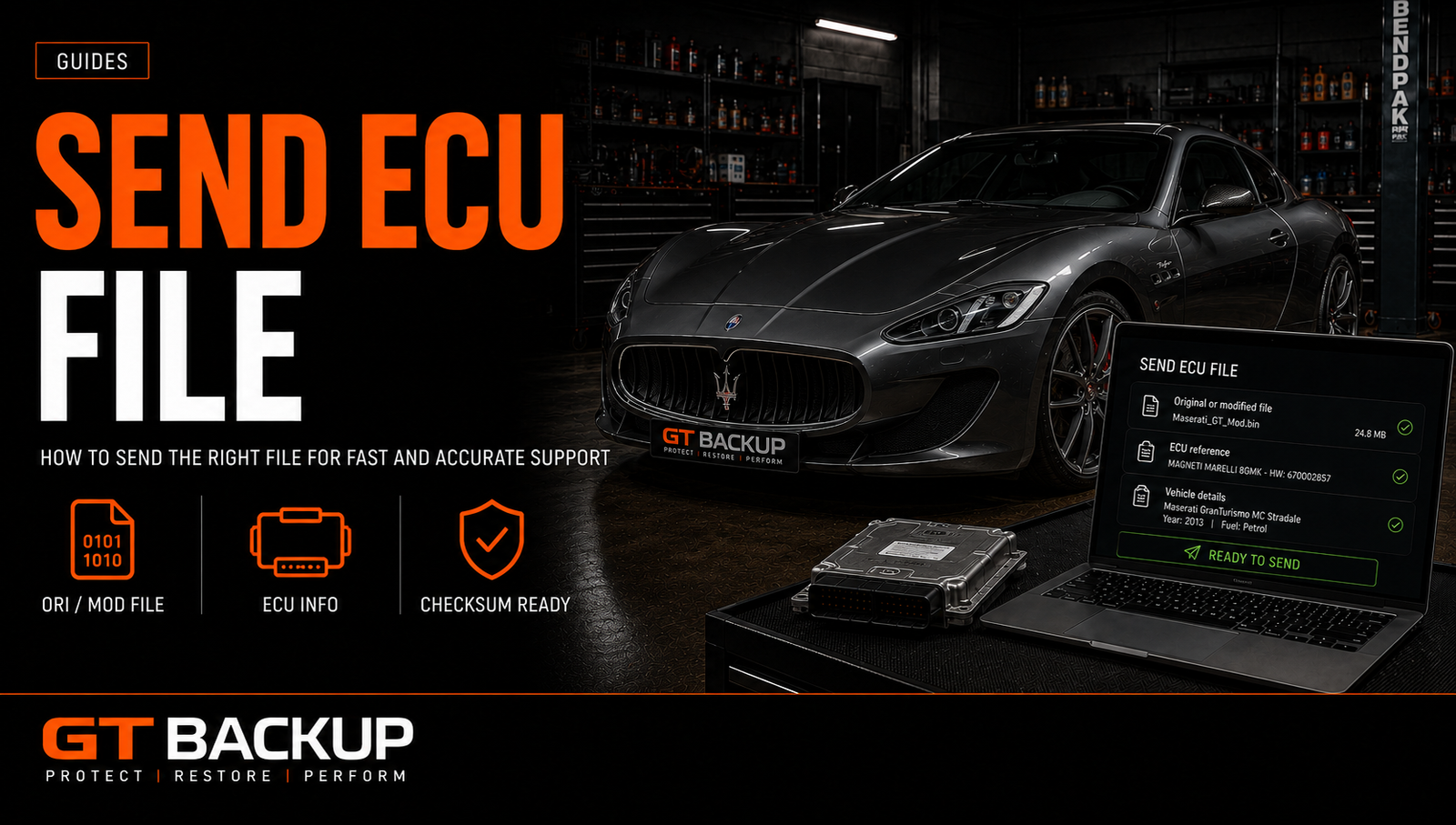
To send an ECU file safely, you need more than an attachment and a vehicle model. The correct workflow starts with an accurate ECU identification, the right read type, an untouched original file and clear information about the requested work. These details allow the file provider to verify compatibility before preparing anything for writing.
GTBackup works digitally: you read the supported ECU with your own professional tool, retain the original data and transmit a copy with the complete references. We then analyse the request and return the appropriate file when the supplied information is sufficient and compatible.
Before you send an ECU file
Identify the vehicle and controller before starting a read. The registration year and engine size are useful, but they do not uniquely identify ECU software. Vehicles with the same model and engine can use different controller generations, hardware revisions and software versions.
- Vehicle make, model, year and engine code.
- VIN when it is required for an accurate match.
- ECU manufacturer and controller family.
- Hardware, software and calibration identifiers.
- Reading tool, protocol and connection mode.
- A precise description of the requested service.
Photographs of the ECU label and the tool identification screen can prevent transcription errors. Do not rely on a filename created months earlier unless its origin and vehicle references remain fully traceable.
Choose the correct ECU reading method
The suitable method depends on the exact controller and the functions supported by the tool. OBD communicates through the vehicle diagnostic connector. Bench mode connects directly to the ECU connector, normally with the controller removed or isolated. Boot mode requires access to the internal circuitry and follows an ECU-specific procedure.
Use only the connection and instructions provided by the tool manufacturer for that protocol. Alientech’s official guide to OBD, Bench and Boot connection methods explains why access level and precautions vary. Stable power, correct wiring and uninterrupted communication are essential during reading and writing.
Real read, virtual read or full backup?
Before you send your ECU file, confirm what the tool actually produced. A normal or physical read retrieves supported data from the controller. A virtual read downloads a matching original file from the tool provider’s database using ECU identification; it does not necessarily capture the calibration currently installed in the vehicle.
AutoTuner’s official explanation of virtual read versus normal read confirms this distinction. If a vehicle may already be tuned, a virtual read can represent the matching original software rather than the modified content currently inside the ECU.
A calibration read may be sufficient for a supported tuning operation without being a complete recovery backup. Bench or boot access may expose additional memories, but the available content still depends on the ECU and protocol. Our guides to ECU full reads and Flash vs EEPROM explain these differences in more detail.
| File type | Typical source | Important point |
|---|---|---|
| Normal read | Data retrieved from the ECU | May contain the calibration currently installed |
| Virtual read | Original file matched by identification | May not reproduce an existing modified file |
| Calibration read | Tunable program area | Not automatically a complete recovery backup |
| Full backup | Multiple supported memory areas | Contents depend on the ECU and protocol |
| EEPROM or data flash | Separate persistent data area | May contain vehicle-specific information |
Keep the untouched original ECU file
Create at least two clearly labelled copies immediately after a successful read. Keep one untouched original in a separate location and work only from a duplicate. Never overwrite the source file with a modified version.
A useful filename includes the vehicle, ECU family, hardware number, software number, read method and status. For example, mark files as ORI, MOD or BACKUP only when those labels accurately describe their origin. Clear naming reduces the risk of sending or writing the wrong file later.
An original file should remain unchanged, identifiable and recoverable throughout the entire job.
What to include when you send an ECU file
Upload the original file together with the identification and job description. State whether the vehicle is known to be standard, previously remapped, repaired or fitted with a replacement ECU. Mention existing diagnostic faults and any recent hardware work that may affect the request.
- The untouched read or correctly identified virtual-read file.
- Vehicle and ECU identification.
- Tool name, Master or Slave status, protocol and read mode.
- Current modifications and relevant replacement parts.
- Requested result, described without ambiguous abbreviations.
- Diagnostic information when the request concerns a fault or recovery.
If the file comes from a Slave tool, confirm that the workflow is compatible with the tool network and file provider. Encrypted or tool-bound files may not be usable outside their authorised ecosystem.
Prepare the files before uploading
Keep the files exactly as produced by the reading tool unless the receiving instructions request a specific archive format. Changing an extension does not convert a file, and opening then resaving binary data in unsuitable software can alter it. If several memories were read, include the complete set and retain the tool’s original names inside a clearly labelled job folder.
A simple text note can accompany the upload. Include the customer or job reference, vehicle information, ECU numbers, tool and protocol, file type, requested work and any deadline. Avoid placing sensitive personal information in filenames. When a VIN is necessary, provide it only through the intended secure submission channel.

Secure transfer and file integrity
ECU files should be transferred through the provider’s designated upload system or another agreed secure channel. Do not publish customer files on open forums or reuse public download links. Keep the submitted copy locally until the job is completed and verified.
For critical or recovery files, a cryptographic hash such as SHA-256 can confirm that the received file is identical to the sent copy. Archive passwords, when required, should be communicated separately from the download link. The provider must still inspect the actual file structure: encryption and transfer checks protect delivery, but they do not establish ECU compatibility.
| Submission check | Ready when… |
|---|---|
| Original data | The untouched read is preserved separately |
| Identification | Hardware, software and ECU family are recorded |
| Read details | Tool, protocol and OBD, Bench or Boot mode are stated |
| Job request | The required result and known modifications are clear |
| File package | Every relevant memory and the tool log are included |
| Transfer | The approved secure channel is used |
Checks performed before file preparation
The references and file structure must agree with the declared ECU. The provider may check size, identification, software family, calibration area and whether the requested operation is supported. A checksum check is also part of many workflows, but a valid checksum alone does not prove that a file is compatible or technically appropriate.
When information conflicts, stop and clarify the job instead of guessing. An incorrect software match can create programming failure, non-start conditions, diagnostic faults or loss of vehicle-specific data.
Receiving and writing the completed file
The returned file should be associated with the original job and written using the compatible tool and protocol. Follow all on-screen instructions, maintain stable voltage and do not interrupt communication. Some procedures require ignition cycles or post-write fault clearing.
After writing, scan the vehicle, clear faults only when appropriate and verify normal starting and operation. Retain the original read, returned file, tool log and identification together. If a problem occurs, these records provide the information required for diagnosis or recovery.
Common mistakes when sending ECU data
- Sending a file with no hardware or software references.
- Calling a virtual read a copy of the software currently in the ECU.
- Assuming that every file of the same size is interchangeable.
- Submitting an already modified file as an untouched original.
- Writing a returned file with a different tool or unsupported protocol.
- Keeping only one copy of irreplaceable ECU data.
Send ECU file data with the right information
To send ECU file data correctly, identify the controller, use the supported read method, preserve the untouched original and provide complete job details. This disciplined process reduces delays and prevents a calibration file, virtual read and full backup from being confused.
Ready to prepare a supported request? Review how GTBackup works, browse available ECU files, check pricing or contact us with the complete ECU references.
