

WinOLS ECU software is a professional application from EVC for organising, comparing and modifying ECU memory contents. It helps users search for calibration maps, display data in several formats, manage project versions and document changes. It does not replace ECU identification, calibration knowledge or vehicle validation.
A flash tool moves data between the controller and the computer. WinOLS works on the saved file or project. The operator must still confirm that the binary belongs to the exact hardware and software, identify the correct maps and understand how the control strategy reacts to each change.
What WinOLS ECU software does
EVC describes WinOLS as software designed to modify ECU memory contents, facilitate map searching and store data and maps in project files. The software provides an environment for viewing, comparing and editing binaries rather than an automatic tuning solution.
- Import ECU binary data into a structured project
- Display hexadecimal data and potential maps
- View and edit maps as numeric tables or graphical surfaces
- Organise maps into folders and functional groups
- Compare the original with one or more modified versions
- Attach vehicle, customer and controller information
- Use compatible import filters, scripts or checksum modules
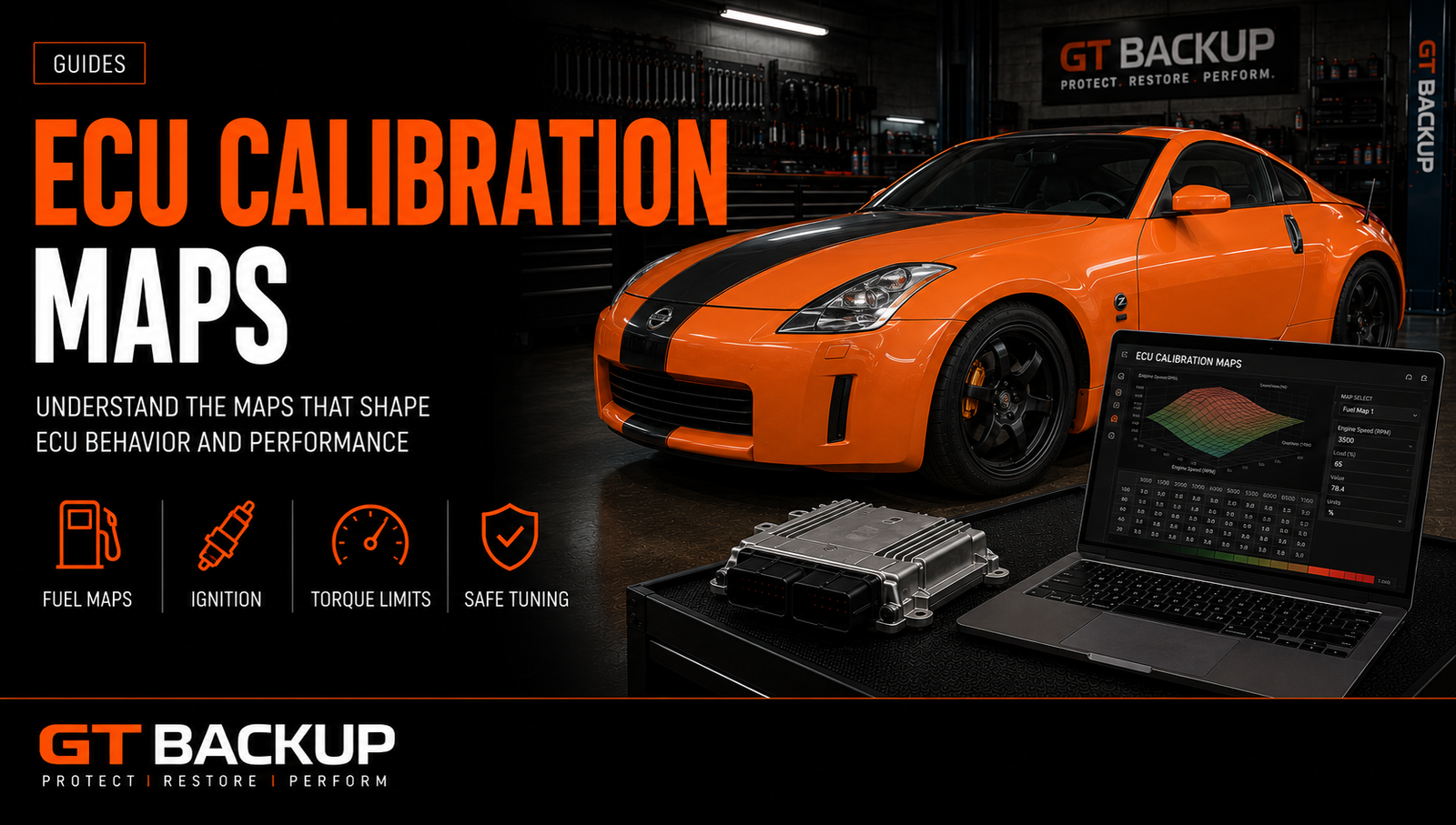
WinOLS projects and versions
A project groups the original data, detected or defined maps, versions and descriptive information for one controller job. According to EVC, project files retain information collected while processing the ECU and can include customer or vehicle details.
Versions allow the original to remain available while different modifications are saved and commented. This is safer than repeatedly overwriting standalone binaries. A disciplined naming system should record the ECU references, software, read method, requested operation and validation status.
| Project element | Purpose | Workshop rule |
|---|---|---|
| Original version | Verified untouched starting file | Keep read-only and never replace it with a tuned file |
| Modified version | Documented calibration changes | Name and comment the intended result |
| Map definitions | Addresses, names, axes and conversions | Verify exact software compatibility |
| Project properties | Vehicle, ECU and customer context | Record complete identification and read method |
| Exported binary | File prepared for a compatible writing tool | Check size, checksum and target protocol |
Map search does not guarantee identification
WinOLS can help search for structures that resemble maps, but a detected table is not automatically a correctly identified calibration parameter. The operator must determine the function, axes, data type, scaling, units and relationship with surrounding strategies.
Two tables can look similar while controlling different functions. A smooth three-dimensional surface may be a limiter, conversion table, diagnostic threshold or unrelated data. Safe work combines pattern recognition with exact definitions, comparison files, documentation and engineering logic.
Finding an address is only the beginning; understanding the function and its relationships determines whether an edit is valid.
DAMOS, A2L and map packs in WinOLS
Description data can associate memory addresses with map names, dimensions, axes, units and conversion formulas. DAMOS and A2L resources may provide detailed development information, while a map pack usually contains a curated selection of definitions for an editing workflow.
The definition must match the exact software version. Addresses can move after a compiler, linker or manufacturer update. Importing a description from a related ECU can produce plausible but incorrect labels. Review the dedicated guide to ECU DAMOS files, A2L and map packs before trusting imported definitions.
Comparing data with WinOLS ECU software
Version comparison helps identify every changed byte or map between the original and a modification. Use it to confirm that only intended areas changed and that unrelated code, identification or vehicle-specific data remains untouched.
- Import and protect the verified original.
- Create a clearly named working version.
- Apply documented calibration changes.
- Review differences at map and binary level.
- Investigate every unexpected changed region.
- Confirm checksum handling and export format.
- Archive the final version and validation notes.
Copying changes from another project requires the same caution. Similar software can relocate maps or use different calibrations. Compare identifiers and structures before transferring values, and never assume that one modification suits every software in the family.
WinOLS checksum handling
Checksums detect defined data changes and may need correction after calibration editing. WinOLS can use supported checksum modules or other configured solutions, but availability depends on the ECU, software and licensed module.
A corrected checksum does not prove that the file is compatible or that the calibration is safe. It only satisfies the relevant integrity calculation. Confirm hardware, software, file size, memory area and writing method separately. See the ECU checksum guide for the complete distinction.
WinOLS ECU software scripts and plugins
Automation can speed up repetitive work through scripts, import filters or tool-specific functions. It can also reproduce an error quickly across many files. Before applying automated changes, confirm the target software, inspect proposed modifications and test the result on a duplicate project.
Licences and available features can vary by WinOLS version and EVC product. Some newer functions may require premium features or separate modules. Check the current official EVC product information before purchasing software, checksum support or import filters.
A safe WinOLS ECU software workflow
| Stage | Required check | Common error |
|---|---|---|
| Identification | Match ECU, hardware, software and read method | Opening a similar file as if it were identical |
| Project creation | Preserve the original and add complete properties | Using an unknown MOD file as the baseline |
| Map definition | Verify addresses, axes, scaling and function | Trusting every automatically detected table |
| Editing | Keep related torque, fuel, boost and protection strategies coherent | Changing isolated maps without system context |
| Comparison | Review every difference from the original | Ignoring unexpected code or data changes |
| Export | Confirm checksum, size and target tool format | Writing the wrong memory area or container |
| Validation | Diagnose, log and test the actual vehicle | Assuming successful writing proves a good calibration |
File formats and flash-tool compatibility
The input may be a raw binary, calibration area or tool-specific container. Some Master tools provide open binary data, while Slave systems can encrypt files for a linked provider. Confirm that the file can be imported, exported and written through the intended ecosystem.
Do not rename an extension to force compatibility. Preserve the original tool output and project. Our guides to ECU file types and Master and Slave tools explain these restrictions.
Training and calibration responsibility
Learning the interface is not the same as learning engine calibration. A competent user needs knowledge of combustion, torque structure, air and fuel control, thermal limits, diagnostics and data logging. Training should include both software operation and control-system principles.
Work on verified originals, document decisions and validate the vehicle after writing. Do not disable diagnostic or safety strategies to hide a mechanical fault. The technician remains responsible for the file even when a map pack, script or checksum module was used.
WinOLS ECU software: the practical conclusion
WinOLS ECU software provides a structured environment for finding, displaying, editing and comparing ECU calibration data. Its project and version system supports repeatable work, while compatible definitions and checksum modules can improve efficiency. None of these features replaces exact identification, calibration knowledge or controlled validation.
Continue with the GTBackup guides to ECU tuning workflow, safe ECU writing and ECU calibration maps, or contact us with the complete controller and software references.
