
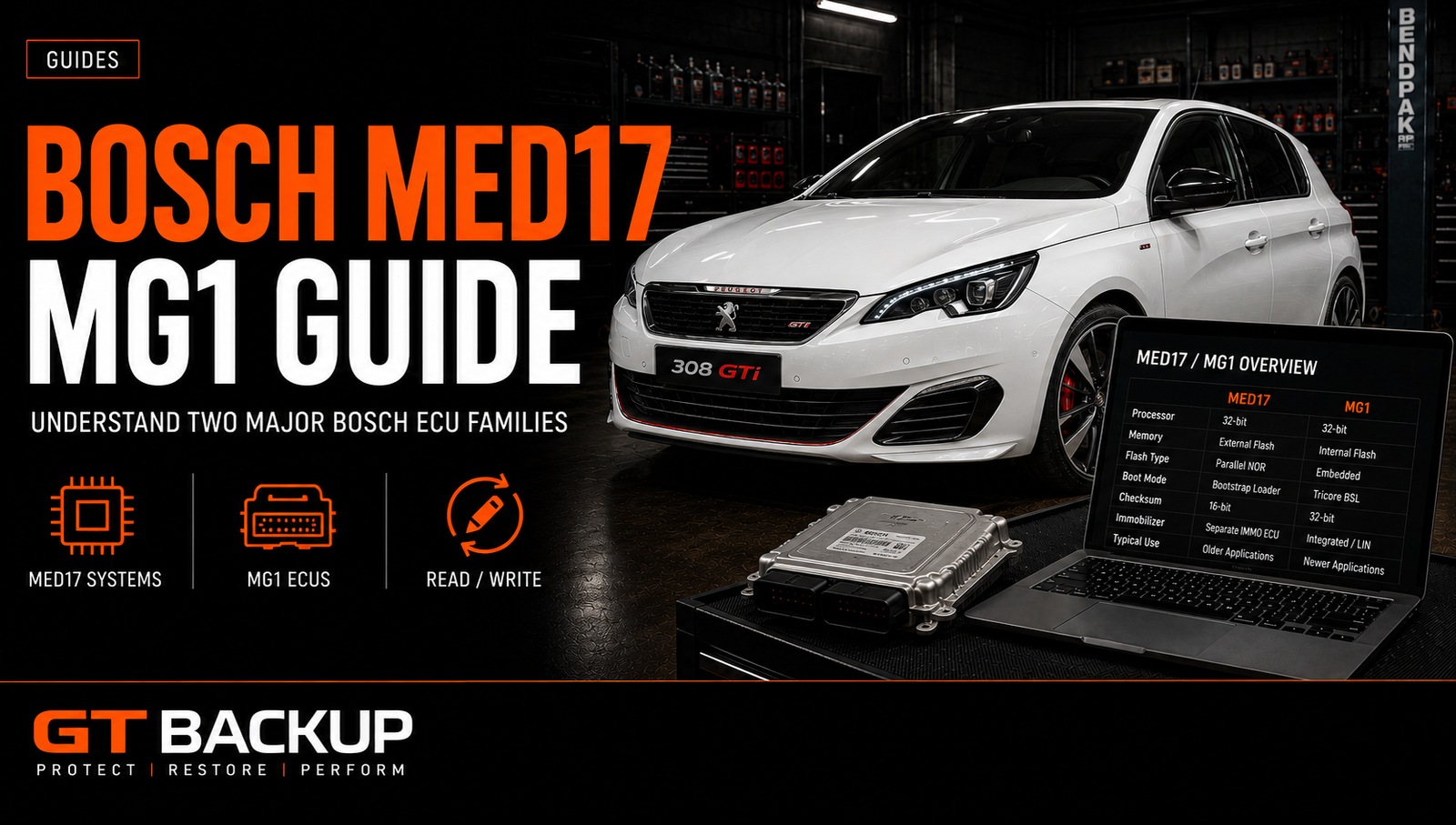
Bosch MED17 MG1 ECUs cover two major generations of petrol engine management. MED17 became a reference platform for many direct-injection turbo engines, while MG1 supports newer powertrains with greater processing capacity and stronger security. Correct identification matters because the ECU family, hardware number and software version determine the safest reading and programming method.
Bosch MED17 MG1: two petrol ECU generations
MED17 belongs to the same broad period as the diesel Bosch EDC17 family. Manufacturers used it across many Euro 5 and Euro 6 petrol applications, including naturally aspirated and turbocharged engines. MG1 arrived later and now appears in many newer petrol and hybrid powertrains.
The family name gives a useful starting point, but it does not identify the complete unit. Each family contains many variants. A MED17.5, MED17.7 or MG1CS unit can use different processors, memories, protection levels and communication protocols. Therefore, a workshop should confirm the full Bosch reference before selecting a tool or file.
What a Bosch petrol ECU controls
A modern petrol ECU coordinates much more than fuel delivery. It calculates injection quantity and timing, controls ignition advance, manages boost pressure and monitors exhaust emissions. It also communicates with the transmission, immobilizer, dashboard and other control modules.
These functions depend on tightly connected calibration maps and limiters. For example, torque demand can influence throttle position, boost targets, ignition control and transmission requests. A professional calibration must keep those strategies consistent. Changing one isolated map rarely produces a reliable result.
Bosch explains the role of the engine control unit in coordinating powertrain functions. For workshops, this complexity makes correct identification and a verified original file essential.
MED17 architecture and workshop implications
MED17 commonly uses Bosch security mechanisms and Infineon TriCore microcontrollers. The exact layout varies by ECU variant. Some units allow an OBD read, while others require bench or boot access for the first operation. Tool support can also change according to the software version installed in the vehicle.
Never assume that two visually similar MED17 units contain interchangeable data. Their Bosch numbers, hardware indexes and software identifiers must match. The vehicle brand, engine code and production year help narrow the search, but the ECU label and tool identification provide stronger evidence.
For more background on the related diesel generation, see the Bosch EDC17 guide. You can also review the difference between a calibration read and an ECU full read.
How MG1 changes the process
MG1 introduces a newer electronic architecture and typically adds more advanced protection. Many variants use later generations of automotive microcontrollers with larger memories and additional security functions. Infineon documents how its AURIX TriCore microcontrollers support combustion-engine and other safety-critical automotive applications.
In practical terms, the correct protocol becomes even more important. A tool may support identification through OBD but require a bench connection for the actual read. Another protocol may provide a virtual original file rather than reading all memory areas from the ECU. Workshops should understand what the tool returns before editing or archiving the file.

Bosch MED17 vs MG1: practical comparison
| Workshop point | MED17 | MG1 |
|---|---|---|
| Generation | Established petrol ECU generation used on many Euro 5 and Euro 6 applications | Newer platform used on many recent petrol and hybrid applications |
| Identification | Full MED17 suffix, Bosch number, hardware and software | Full MG1 variant, Bosch number, hardware and software |
| Access | OBD, Bench or Boot depending on variant and software | Protocol-specific OBD or Bench access, with security varying by version |
| Read result | Physical, calibration or virtual data depending on the tool | Physical, calibration or virtual data depending on supported access |
| Backup priority | Preserve original calibration and every supported memory area | Preserve tool project, original data and complete identification |
| Main risk | Assuming all MED17 variants share one protocol or file structure | Assuming family support guarantees access to every software version |
This comparison describes common workshop considerations rather than universal technical rules. Bosch MED17 MG1 variants differ by processor, vehicle manufacturer and production period. The current tool documentation for the exact ECU remains the final reference for connection and supported operations.
Software updates and previously modified ECUs
A manufacturer update can change the software number, calibration dataset or access behaviour without changing the visible ECU housing. Likewise, a previously remapped vehicle may display familiar identification while containing altered calibration data. Record the current state before downloading a virtual original or applying another modification.
If a dealer update, replacement ECU or earlier tuning job is suspected, compare the physical label, live diagnostic identification and actual read. Do not overwrite the only copy of the installed software. A later factory version may be valid for the vehicle, but it is not automatically identical to the data originally delivered with that particular ECU.
Bosch MED17 MG1 identification checklist
Reliable identification begins before connecting a programmer. Record the details on the ECU label and compare them with the identification supplied by the tool. A useful workshop checklist includes:
- the complete Bosch part number;
- the vehicle manufacturer reference;
- the exact ECU family and variant;
- hardware and software numbers;
- engine code, model and production year;
- the reading method and protocol version;
- the file size and memory areas returned.
This process prevents a common mistake: choosing a file only because the vehicle model and engine capacity look correct. Manufacturers can install several ECU variants during the same model year.
OBD, bench, boot and virtual reads
An OBD operation uses the vehicle diagnostic connector and usually offers the simplest workflow. However, support depends on the ECU, software and tool. Bench mode connects directly to the ECU outside the vehicle without opening the housing in many cases. Boot mode normally requires access to the circuit board and gives the programmer lower-level communication.
A virtual read downloads a matching original from the tool provider’s database after identification. It can save time, but it is not the same as reading every memory area from the installed ECU. Keep the identification log with the downloaded file so another technician can verify its origin later.
When possible, save the original read before writing a calibration. Store it under a clear filename that includes the Bosch number, hardware, software and read method. Our guide to ECU file types explains the difference between original, modified and full-backup files.
Protection, checksum and safe programming
Protection systems can restrict reading, writing or access to specific memory zones. Tool manufacturers update their protocols as ECU software changes, so technicians should check current support for the exact identifier. They should also use a regulated power supply and maintain stable communication throughout the operation.
After calibration, verify the checksum with a trusted solution. Then confirm that the modified file belongs to the original identification and has the expected size. A checksum correction cannot make an unrelated file compatible. File matching remains the first safety control.
Before writing, create a recovery plan. Preserve the original file, the tool log and any full backup available for that ECU. This archive can shorten recovery if programming stops or the vehicle later receives a software update.
Choosing the correct Bosch MED17 MG1 file
The safest file starts with the ECU’s own identification. Match the Bosch reference, hardware and software, then confirm the reading method. If the workshop uses a virtual read, document its source and compare every identifier before calibration.
GTBackup can help technicians check an original or prepare a suitable calibration from supplied ECU data. See our ECU file services and the file-service workflow before submitting a request.
The bottom line
Bosch MED17 MG1 describes a broad transition from the established MED17 generation to newer MG1 petrol control units. The badge alone cannot determine the protocol or the correct file. Accurate label data, electronic identification, a verified backup and stable programming conditions provide the foundation for safe workshop work.
