
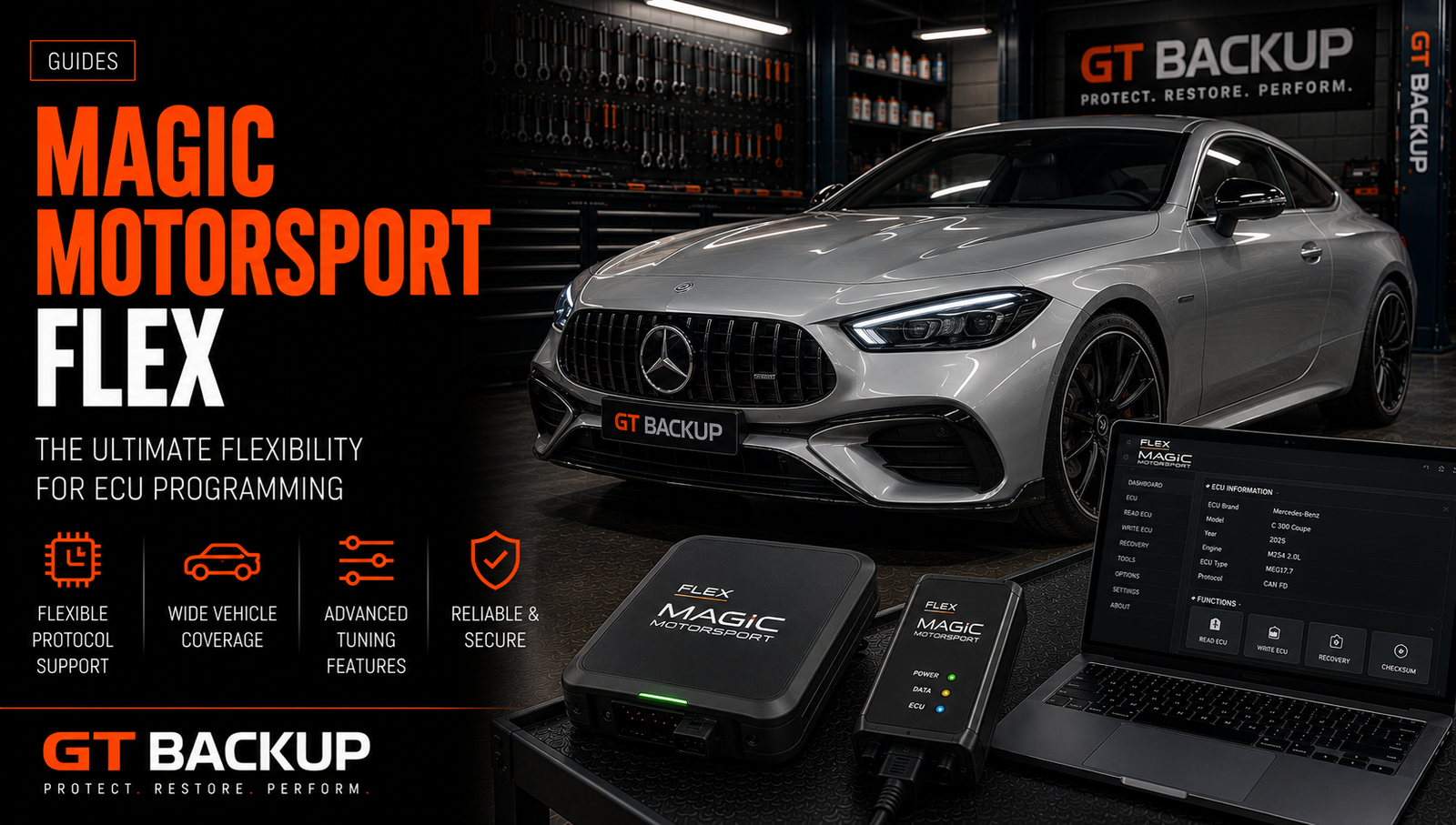
Magic Motorsport Flex is a professional ECU, TCU and DCU programming platform designed for workshops and calibration specialists. Depending on the selected software package, it supports OBD, OBD Full, Bench and Boot workflows across cars, vans, motorcycles and heavy-duty applications. Flex is configurable, but its real capabilities come from the exact Master or Slave license, active subscription, protocol coverage and accessories attached to the account.
What is Magic Motorsport Flex?
Flex is developed by Magicmotorsport, an Italian automotive-electronics company. The system combines the Flex interface, Flexbox connection module, Windows software, protocol packages, cables, adapters and online services.
It is better described as a configurable programming ecosystem than as a single universal tool. Two Flex owners can have the same hardware but different supported operations because their software packages, account status and Master/Slave configurations differ.
Magic Motorsport Flex programming modes
The available communication method depends on the exact ECU or TCU and the activated package. Magicmotorsport publishes a vehicle and protocol list that should be checked before every unfamiliar job.
| Mode | Connection | Typical purpose | Main checks |
|---|---|---|---|
| OBD | Vehicle diagnostic port | Identification, reading or writing without ECU removal | Exact vehicle, protocol, voltage and read type |
| OBD Full | Vehicle diagnostic port | Expanded access on supported controllers | Memory areas and recovery conditions |
| Bench | Directly through the control-unit connector | Reading or writing with the ECU removed but closed | Pinout, regulated supply and connector security |
| Boot | Direct circuit-board access | Deeper memory access, backup or recovery on supported units | Opening procedure, adapters and probe contact |
A protocol label does not prove that every memory area is available. Some operations return a calibration area, others provide physical flash, EEPROM or a more complete backup. Always verify what the selected function actually reads.

Magic Motorsport Flex Master vs Slave
The Master or Slave decision changes file ownership and workflow. A Flex Master configuration allows the user to access the file content provided by supported protocols and work with the chosen calibration process. A Flex Slave configuration is linked to a designated Flex Master.
Magicmotorsport states that Slave files are encrypted. The Slave user sends the read to the linked Master, who handles decryption, modification and encryption for the return file. This structure can simplify a workshop’s entry into file services, but it also creates commercial and technical dependency.
Questions to ask before choosing Slave
- Which Master will the tool be linked to?
- What are the file prices, response times and supported working hours?
- Can the Slave relationship be transferred, and under what conditions?
- Who supplies recovery help if a writing operation fails?
- How are original reads and customer data stored?
A Master tool offers greater independence, but it also requires calibration competence, file validation, checksum knowledge and responsibility for technical support.
Magic Motorsport Flex software packages and subscriptions
Flex can be configured with packages aimed at ECU, TCU, Boot, motorcycles, heavy-duty vehicles or broader Full coverage. Package names and included protocols can change, so an old price list or review is not enough for a current purchasing decision.
Before ordering, prepare a list of the vehicles and controller families that generate real workshop revenue. Compare that list with the current official coverage for the exact package. Also include subscription renewal, additional cables, bench equipment and any paid online services in the total cost.
ECU, TCU and DCU coverage
Magic Motorsport Flex supports selected engine, transmission and dosing control units. Coverage spans multiple vehicle sectors, but it is protocol-specific rather than simply brand-wide. A manufacturer logo in a general compatibility list does not mean that every ECU generation, software version or connection mode is supported.
For example, a controller family may be available in Bench but not OBD, or offer Virtual Read rather than a physical read. Another version of the same ECU may require Boot access. Hardware number, software number, processor and vehicle application must therefore be checked together.
Magic Motorsport Flex read types and file validation
A reliable file workflow begins by identifying the read type. The words “original file,” “full read” and “full backup” are not interchangeable. A Virtual Read may provide an original calibration matched to the ECU identification, while a physical read returns data directly from the controller. A full backup may include several memory areas when the protocol supports them.
Before editing or writing, verify:
- ECU or TCU manufacturer and family;
- hardware and software references;
- file size and memory layout;
- tool, mode and protocol used;
- whether the read is physical, virtual, calibration-only or a backup;
- checksum handling and the intended writing method.
Never assume that a file read through one method can be written through another. Use the workflow documented for the exact protocol.
Checksums, backups and recovery
Flex protocols may calculate or correct checksums automatically, but checksum correction is only one part of validation. It does not confirm that a calibration matches the hardware, software version or available memory area.
Archive the untouched original read before any modification. Save identification screenshots, protocol details and every final written file. For supported controllers, a Bench or Boot backup can improve recovery options, but recovery is never guaranteed if the wrong file, pinout or voltage is used.
A safe Magic Motorsport Flex workflow
- Identify the vehicle and controller. Record all available hardware and software references.
- Check the official vehicle list. Select the exact application, not a similar ECU name.
- Read the protocol instructions. Confirm cable, mode, ignition sequence and recovery information.
- Stabilize power. Use suitable vehicle battery support or a regulated, current-limited bench supply.
- Inspect all connections. Confirm pinout, grounds, adapters and probe position before powering the unit.
- Save the untouched read. Keep redundant copies with clear identification.
- Validate the modified file. Check compatibility, structure, requested changes and checksum process.
- Write with the matching protocol. Do not interrupt communication or disconnect power.
- Complete post-write checks. Rescan the vehicle, clear relevant DTCs only after diagnosis and verify operation.
Magic Motorsport Flex Helpdesk and online services
Magicmotorsport offers support and Helpdesk services within its ecosystem. Availability, included operations and coin costs vary by service and account. These services can assist with supported file tasks, checksum repair or specific recovery workflows, but workshops should confirm current conditions before promising a result to a customer.
Online assistance does not replace local preparation. The technician remains responsible for correct identification, stable power, safe connections and preservation of the original data.
Warranty and account conditions
Magicmotorsport advertises a limited lifetime replacement service for eligible Flex hardware while the original owner maintains the required active account and meets the warranty terms. This should not be interpreted as unconditional lifetime coverage.
Read the current terms before purchase because account expiration, ownership transfer, shipping charges, excluded damage and support diagnosis can affect eligibility. Include subscription continuity in the long-term ownership cost.
Common purchasing mistakes
| Mistake | Consequence | Better approach |
|---|---|---|
| Buying by brand count | Required ECU versions may still be unsupported | Compare exact controllers and protocols |
| Ignoring Master/Slave dependency | Unexpected file restrictions and supplier costs | Review ownership and transfer conditions |
| Comparing only the hardware price | Subscriptions and accessories are omitted | Calculate the complete three-year cost |
| Calling every read a full backup | Recovery data may be missing | Confirm the memory areas returned |
| Programming without stable power | Interrupted write or corrupted control unit | Use appropriate regulated support |
Official Flex information
The official Magic Motorsport Flex page explains current configuration, Master/Slave operation, subscriptions and support. The Flex vehicle and services list provides current protocol coverage. These sources should take priority over old reseller listings.
How Flex fits GTBackup services
GTBackup supplies ECU and TCU files rather than Flex hardware or subscriptions. When sending a Magic Motorsport Flex read, include the untouched file, complete controller identification, vehicle details and the exact connection mode and protocol used.
This information helps distinguish Virtual Read, physical read, calibration data and backup content. Explore our ECU file services or review how our file workflow works.
Conclusion
Magic Motorsport Flex is a configurable professional programming platform with broad OBD, Bench and Boot possibilities. Its value depends on exact protocol coverage, Master or Slave workflow, subscription terms, accessories and workshop competence. The best configuration is the one matched to real jobs, verified controller by controller and supported by a disciplined backup and validation process.
