
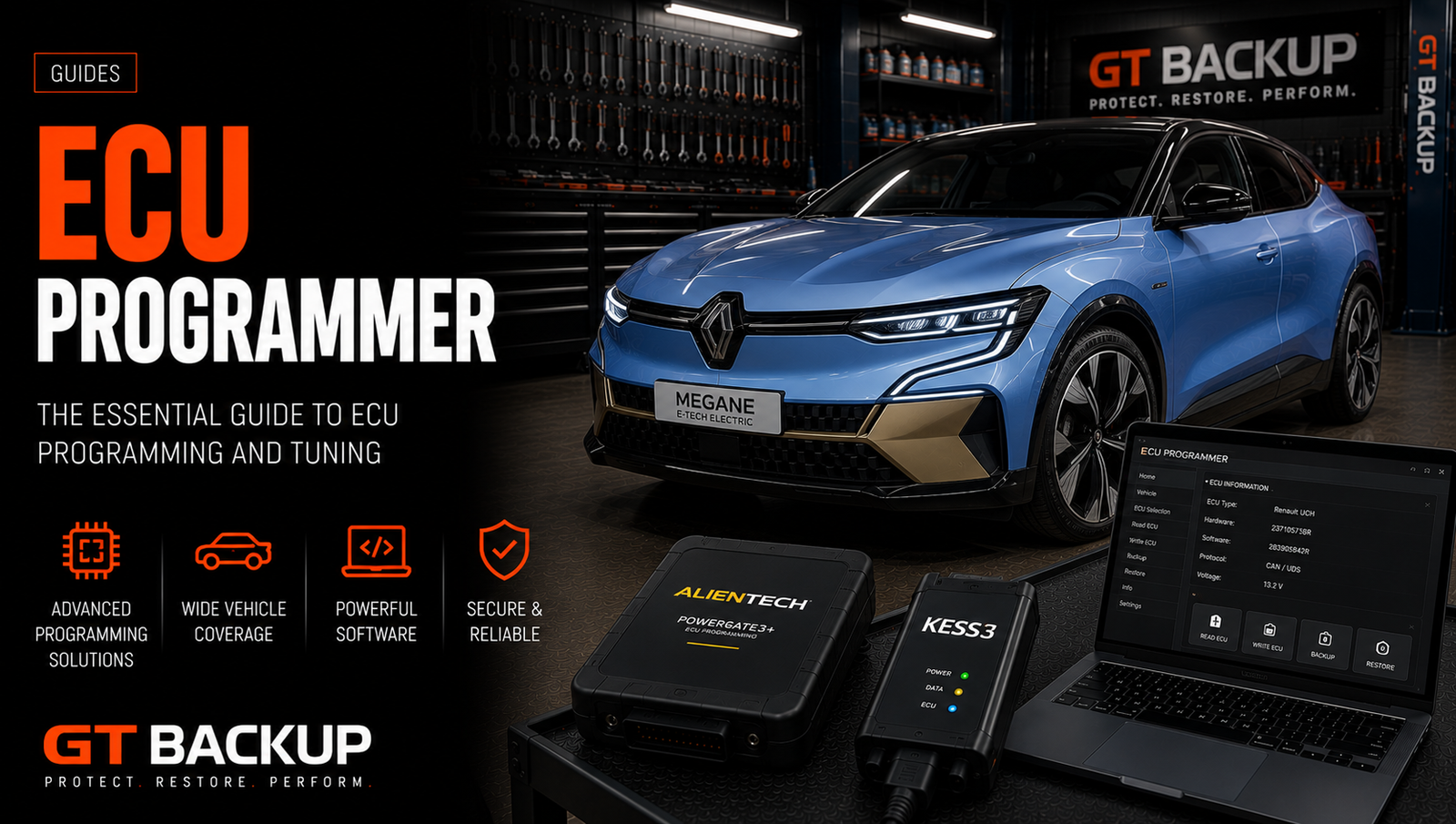
An ECU programmer is the hardware and software platform used to identify, read and write supported electronic control units. Modern professional tools combine OBD, Bench and Boot communication, guided protocols, account services and file management. Choosing the right platform depends on exact controller coverage, Master or Slave workflow, subscriptions, accessories and the type of files a workshop needs.
What is an ECU programmer?
An ECU programmer communicates with engine, transmission and other supported vehicle controllers. It can retrieve identification, read available memory areas and write a validated file back through a documented protocol.
The programmer is not automatically calibration software. Reading and writing are different from editing maps. A Master user needs appropriate binary editing software or a professional file provider. A Slave user normally sends encrypted reads to the designated Master for modification.
Professional platforms include hardware, official Windows software, protocol databases, cables, adapters, firmware updates and technical support. The quality of that ecosystem matters as much as the interface itself.
What can an ECU programmer do?
Capabilities vary by tool, activation and controller. A current professional platform may provide:
- ECU and TCU identification;
- physical or Virtual Reading;
- calibration-area reading and writing;
- full backup of supported memories;
- OBD, Bench and Boot communication;
- checksum processing for supported protocols;
- unlock or patch functions;
- ECU or TCU cloning where documented;
- recovery procedures for selected interrupted writes;
- basic DTC, datalogging or performance features on some platforms.
No programmer supports every function on every control unit. The current official vehicle list should always take priority over a general product description.
ECU programmer connection modes
| Mode | Connection | Typical advantage | Main limitation |
|---|---|---|---|
| OBD | Vehicle diagnostic socket | Fast and non-invasive | May offer Virtual Read or limited memory access |
| Bench | Directly through the removed ECU connector | Direct access without normally opening the unit | Requires exact pinout and regulated power |
| Boot | Directly on the opened circuit board | Backup, cloning or recovery access where supported | Requires more skill and careful handling |
| BDM/JTAG | Dedicated circuit-board pads or interface | Access on selected older controller generations | Controller-specific and not a universal modern method |
The available mode is dictated by the exact protocol. OBD is not always a physical read, Bench is not automatically a full backup, and Boot does not guarantee that every memory is accessible.

OBD ECU programming
OBD is often the preferred method when the protocol provides the required operation. The ECU remains installed and the programmer communicates through the diagnostic socket. Stable vehicle voltage is essential because multiple modules can remain active throughout identification, reading and writing.
Some OBD protocols perform a physical read. Others identify the installed software and download a matching original file through Virtual Read. That file can be suitable for calibration, but it does not preserve an existing modified calibration or every vehicle-specific memory.
Bench ECU programming
Bench mode connects directly to the external ECU or TCU connector after removal from the vehicle. The control unit usually remains sealed. This method can bypass some vehicle-network restrictions and may provide additional reading, writing, unlocking or cloning functions.
The pinout must come from the exact protocol instructions. A visually similar ECU can use different power or communication pins. Use a regulated, current-limited supply and verify every ground before applying voltage.
Boot, BDM and direct memory access
Boot mode requires opening the control unit and connecting to documented circuit-board points. It can provide flash, EEPROM or processor access for supported backup, repair, cloning and recovery work.
BDM and JTAG are interface families associated with particular processors and controller generations. They remain relevant for legacy ECUs but should not be used as generic names for every open-unit operation. Modern tools normally identify the exact Boot or service procedure in their software.
Opening an ECU adds risks of board damage, probe movement and moisture entry after reinstallation. The case should be opened and resealed using appropriate professional methods.
Physical Read, Virtual Read and full backup
| File type | Source | Typical use | Important warning |
|---|---|---|---|
| Physical Read | Extracted from the installed controller | Calibration, comparison or backup depending on memories | May still contain only a selected area |
| Virtual Read | Downloaded after software identification | Matching stock calibration for supported writing | Does not capture existing tuning or all unique data |
| Calibration Read | Map area exposed by the protocol | Professional calibration editing | Not necessarily a recovery file |
| Full Backup | Multiple supported memories | Recovery or cloning where documented | Memory coverage differs by controller and tool |
A useful ECU programmer identifies the read type clearly. The workshop must preserve that information with the file rather than naming every output “original full backup.”
ECU programmer Master vs Slave
Master and Slave tools can use the same basic hardware but create different commercial workflows.
- Master ECU programmer: returns accessible files for independent modification or submission to a provider selected by the owner.
- Slave ECU programmer: encrypts files for processing by the specific Master account to which the tool is linked.
A Slave tool can suit a workshop that wants an established file supplier, calibration support and a simpler starting workflow. Before purchase, confirm file prices, working hours, turnaround time, supported services, recovery help and transfer conditions.
A Master provides independence but requires greater technical responsibility. The workshop must validate file compatibility, calibration content, checksums and customer requirements.
Protocol coverage and activations
Coverage should be evaluated by exact controller and operation, not by the number of vehicle brands in advertising. A platform can list a manufacturer while lacking the ECU family, connection mode or memory access required for the workshop’s work.
Prepare a list of regular vehicles and controllers, then verify:
- ECU or TCU family and processor;
- OBD, Bench and Boot availability;
- physical or Virtual Read;
- available memory areas;
- cloning, unlock and recovery functions;
- Master and Slave availability;
- required software package and subscription.
Subscriptions, updates and ownership cost
ECU programmer pricing models differ. Some manufacturers include protocol updates without an annual subscription, while others require an active subscription for new releases, support or full software access. Activations can also be separated by vehicle category and connection mode.
Calculate the complete cost over several years. Include hardware, protocol packages, renewals, adapters, cables, regulated power equipment, laptop, training, calibration software and file services. A cheaper initial configuration may cost more if essential coverage requires multiple later activations.
Genuine vs counterfeit ECU programmers
A genuine ECU programmer provides traceable hardware, official software, documented updates, warranty and manufacturer support. A counterfeit interface may imitate the housing or software of an established tool without using the same components, licensing or protocol validation.
Commercial risks of counterfeit tools include unknown voltage protection, modified software, missing updates, absent recovery assistance and no accountable warranty. If a failed write damages an ECU, the cost can exceed the saving on hardware.
Popular professional ECU programmer ecosystems
Examples of current professional platforms include Alientech KESS3, AutoTuner, Magic Motorsport Flex and Dimsport New Genius with New Trasdata. Their licensing models, protocol coverage and Master/Slave arrangements differ.
Abrites AVDI belongs to a broader diagnostic and module-programming category. It can perform ECU-related operations with appropriate licenses, but it should not be treated as a direct equivalent of a dedicated multi-brand tuning flasher.
The best tool is not the one with the longest feature list. It is the platform that covers the workshop’s real controllers with official support and an acceptable ownership model.
ECU programmer accessories
- regulated battery support for vehicle programming;
- current-limited laboratory supply for Bench and Boot;
- official OBD and category-specific cables;
- breakout leads and Bench boxes;
- controller-specific adapters;
- positioning frame and stable probes;
- ESD-aware work surface and handling equipment;
- safe ECU opening and resealing materials.
Accessories are part of the protocol. Improvised wiring and unstable probes can turn a supported operation into a failed job.
A safe ECU programmer workflow
- Confirm authorization and diagnose the vehicle. Programming should address a verified need.
- Identify the controller. Record the full label, hardware and software references.
- Check current official coverage. Select the exact vehicle, ECU and required operation.
- Read the guided instructions. Confirm mode, cables, pinout and recovery notes.
- Stabilize power. Use suitable battery support or a regulated Bench supply.
- Save identification and original data. Keep redundant untouched copies.
- Validate the file. Check software match, memory structure, requested changes and checksum processing.
- Write with the matching protocol. Do not interrupt the USB link, computer or power supply.
- Complete post-write checks. Diagnose the vehicle and verify normal operation.
Common ECU programmer mistakes
| Mistake | Consequence | Better approach |
|---|---|---|
| Buying by brand count | Required ECUs may remain unsupported | Compare exact protocols and memory functions |
| Ignoring Master/Slave dependency | Unexpected file restrictions and costs | Review the complete commercial workflow |
| Calling every read a full backup | Recovery data may be missing | Record the read type and memory areas |
| Programming without voltage support | Interrupted write and corrupted ECU | Use suitable regulated equipment |
| Expecting the tool to edit files | No complete calibration workflow | Arrange editing software or a file provider |
Official ECU programmer information
Review the official Alientech KESS3, AutoTuner and Magic Motorsport Flex pages for current features. Then use each manufacturer’s current vehicle list to verify the exact protocol before purchase or programming.
Using an ECU programmer with GTBackup
GTBackup supplies ECU and TCU files rather than programming hardware. When submitting a read, include the untouched file, complete controller identification, vehicle details, tool name, protocol, connection mode and read type. These details let us distinguish a physical read, Virtual Read, calibration area and backup.
Explore our ECU file services or review how the GTBackup workflow works.
Conclusion
An ECU programmer is a complete professional ecosystem for identifying, reading and writing supported controllers. OBD, Bench and Boot access are only part of the decision. Exact protocol coverage, Master or Slave workflow, subscriptions, accessories, power stability and file validation determine whether the tool is suitable for reliable workshop use.
